Using Home Monitors
Why Is My ECG Monitor Battery Draining Fast?
ECG monitor battery draining fast: check common causes, settings, and charging habits that may help your device last longer. See what to expect.
Setup, daily checks, maintenance, and fixes for using a heart monitor at home.
ECG monitor battery draining fast: check common causes, settings, and charging habits that may help your device last longer. See what to expect.
swimming with an ECG monitor: check water resistance, recording limits, and ways to protect your device near water. See what to expect. Read the guide.
Learn how to replace your ECG monitor battery with this easy-to-follow guide. Keep your vital monitoring device working reliably.
Learn how to charge your ECG monitor safely and effectively. Keep your device ready for crucial readings with simple, clear instructions.

Learn to recognize if your heart rate is too high during exercise. Understand the signs and safe zones to optimize your workouts and protect your health.

Build a heart health monitoring routine at home. Learn to track vital signs, recognize symptoms, and empower yourself for better cardiovascular well-being.

Understand your heart better. Learn how to track heart health trends month over month for a clearer picture of your well-being.
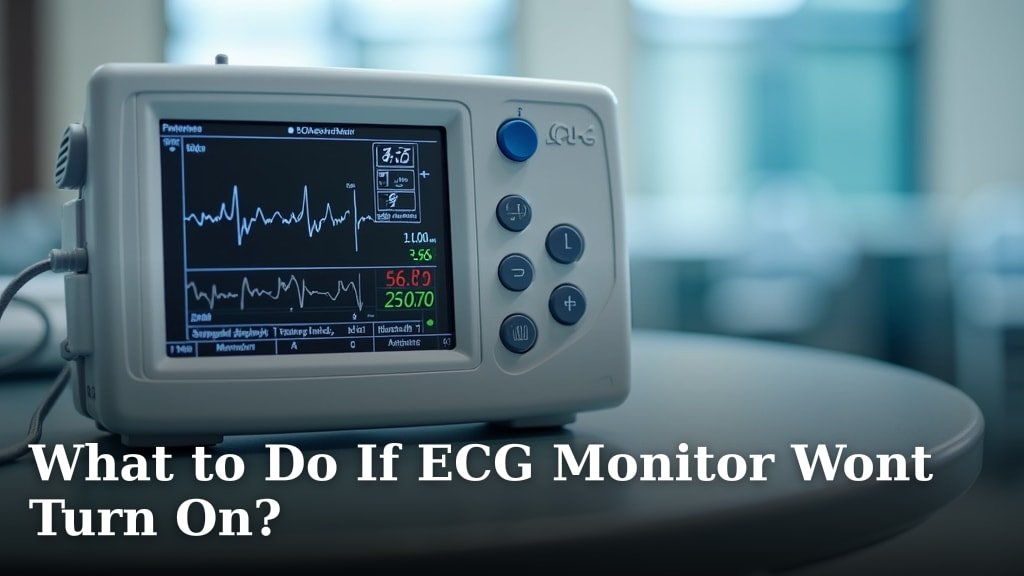
ECG monitor won't turn on? Troubleshoot common issues like battery problems, power sources, and device errors to get your monitor working again.

Learn how often you should check your ECG at home to monitor your heart health effectively. Get personalized guidance for your well-being.
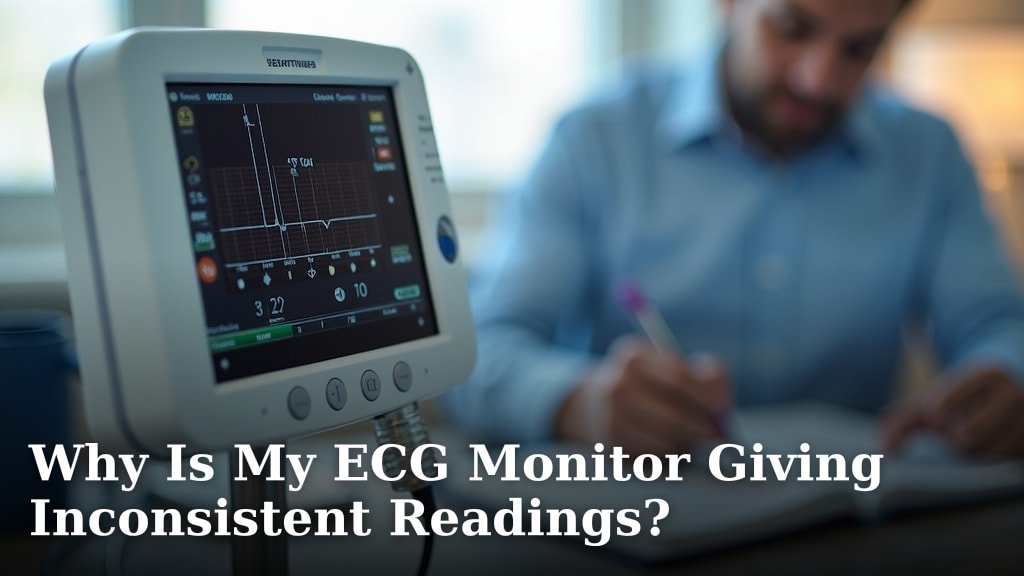
Experiencing inconsistent ECG monitor readings? Discover common causes, from electrode issues to movement, and learn how to ensure accurate results.
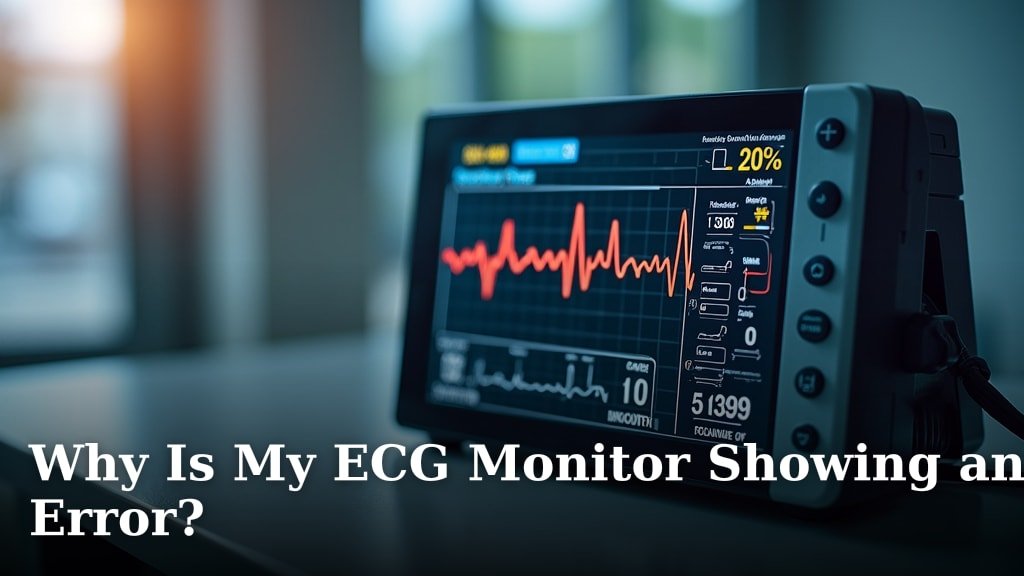
Is your ECG monitor showing an error? Discover common causes, troubleshooting tips, and how to resolve issues for accurate heart monitoring.
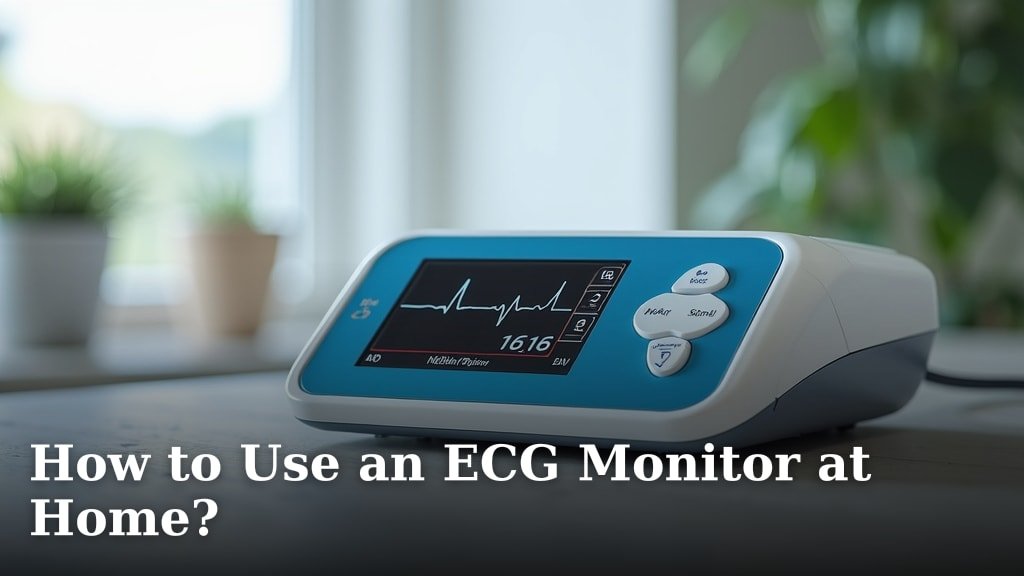
using an ECG monitor at home: learn how to set up the device, place leads, record a reading, and handle common issues. See what to expect. Read the guide.
Waterproof EKG monitors can handle full submersion in water, while water-resistant models only protect against splashes and light moisture.
EKG devices can work in cold weather, but extreme temperatures below 32°F (0°C) may affect battery life and electrode adhesion.
Yes, it is generally safe to use your EKG device every single day for most healthy individuals when following manufacturer guidelines.
Yes, most EKG devices can work without internet connection, storing your heart rhythm data locally on the device or paired smartphone app.
EKG sensors work by detecting tiny electrical signals your heart produces with each beat, using surface electrodes that stick to your skin instead of needles
A portable heart monitor gives you 24/7 heart tracking outside the doctor’s office, catching irregular rhythms that standard EKGs might miss during
An EKG showing 0 BPM usually means the device cannot detect your heartbeat due to poor electrode contact, dead batteries, or incorrect placement.
Yes, muscle tremors can affect EKG readings by creating electrical interference that appears as wavy, irregular lines on your heart rhythm recording.
heart monitor unreadable message: understand common causes, try steps that may improve contact, and know when to retry. See what to expect. Read the guide.
You can track skipped heartbeats with your EKG device by looking for irregular spacing between heartbeats on your rhythm strip or unusual pause patterns in
Take an EKG at home when you experience chest pain, irregular heartbeats, shortness of breath, or dizziness that could signal heart problems.
To perform a long 10-minute ECG recording, you need a compatible ECG device and a quiet environment where you can remain still throughout the entire recording
Setting up irregular heart rate alerts on your ECG device takes just 5-10 minutes through your device's app or settings menu.
Changing batteries in your EKG monitor takes 3-5 minutes and requires powering off the device, opening the battery compartment, removing old batteries, and
ECG readings are generally more accurate when you're lying down because your heart is in a neutral position with minimal muscle interference.
A bad EKG connection shows up as a flat line, excessive noise, or irregular spikes that don’t match your heart rhythm. You can spot these connection
alcohol wipes on EKG sensors: learn which wipes are suitable and how to avoid damaging the contacts. See what to expect. Read the guide. Find clear steps.
Store your portable EKG device in a cool, dry place between 32-86°F with humidity below 60% to maximize battery life and prevent electronic damage.
Using a wireless handheld EKG device is simple: clean your hands, place your fingers on the device electrodes, stay still for 30 seconds, and let the device
A perfect 30-second ECG recording requires proper skin preparation, correct electrode placement, and remaining completely still during the test.
To properly charge your portable EKG device, connect the included USB cable to your device and plug it into a power source, ensuring the charging indicator
You usually don't need to shave completely for an EKG, but trimming long chest hair helps electrodes stick better and gives clearer results.
setting up a home heart monitor: follow the basic setup steps, check fit and connections, and prepare for a clear recording. See what to expect.
Poor ECG signal quality happens when skin isn't clean, electrodes are loose, or you move too much during recording. You can improve your ECG signal quality by
using a portable EKG: follow simple steps for setup, electrode placement, recording, and saving results. See what to expect. Read the guide.
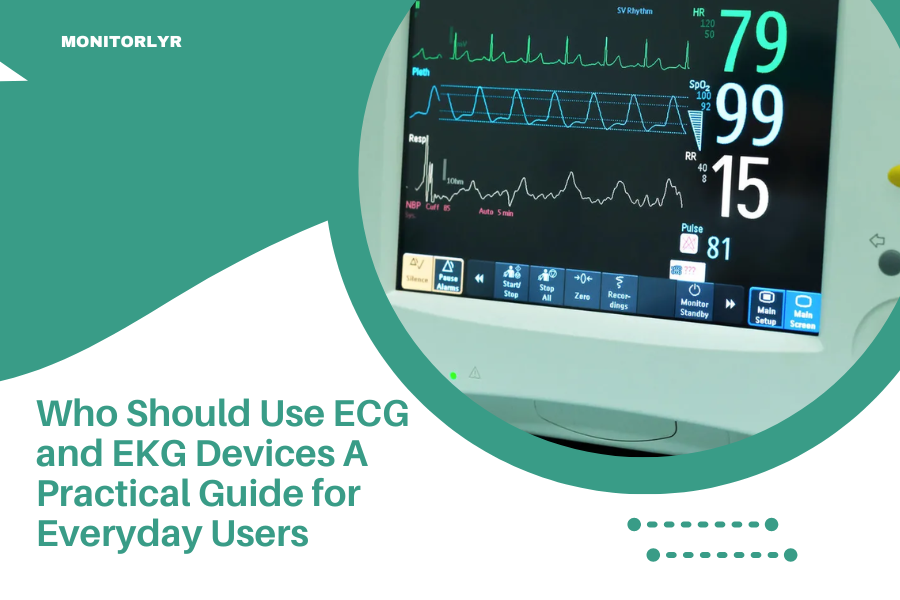
who should use ECG and EKG devices: learn who may benefit from home recordings, what devices can show, and when to ask a clinician. See what to expect.