How to Take an ECG on the Fitbit Charge 6
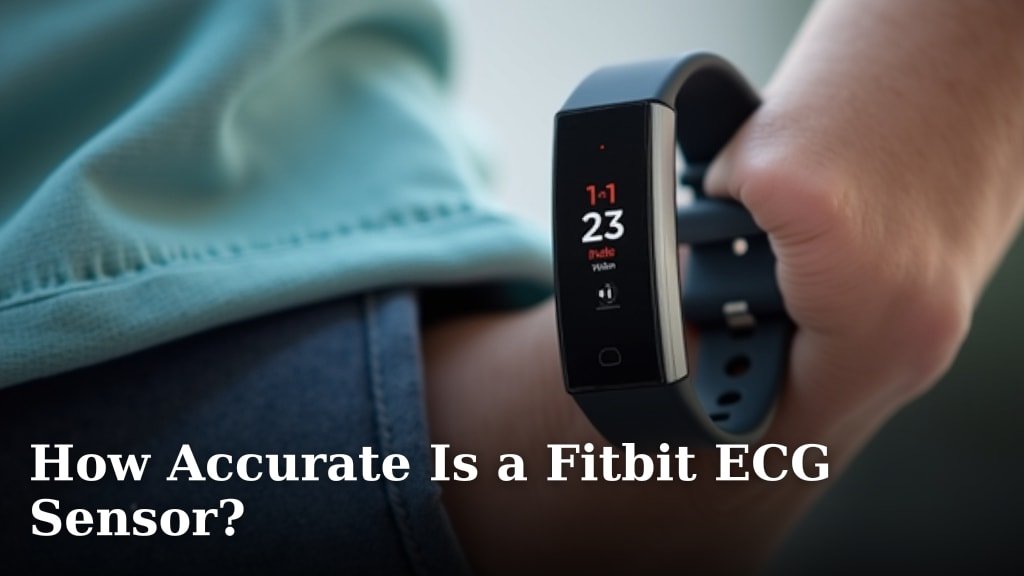
To take an ECG on Fitbit Charge 6, open the ECG app, sit still, place your fingers on the stainless steel ring, and hold the contact points for 30 seconds. The Fitbit app then saves the reading and shows the result.
On this page (8 sections)
- What do you need before taking an ECG on Fitbit Charge 6?
- How do you start an ECG on Fitbit Charge 6?
- How do you hold your fingers during the recording?
- What does the Fitbit Charge 6 ECG result mean?
- How do you review or share the reading?
- Can a different watch band improve the ECG process?
- What should you do if the ECG result is inconclusive?
- How do you take an ECG on Fitbit Charge 6 safely?
To take an ECG on Fitbit Charge 6, open the ECG app, sit still, place your fingers on the stainless steel ring, and hold the contact points for 30 seconds. The Fitbit app then saves the reading and shows the result.
Before you start, wear Charge 6 snugly on your wrist and make sure the device has enough battery for the reading. The ECG feature may depend on your region, age, account setup, and Fitbit's current requirements.
For a separate Fitbit health metric, see how Fitbit measures oxygen saturation.
What do you need before taking an ECG on Fitbit Charge 6?
You need a Fitbit Charge 6, a snug wrist fit, clean and dry skin, and the Fitbit ECG app set up on the device. You also need to remain still for the full recording.
The Withings ScanWatch 2 ECG guide covers a different wearable ECG setup.
Charge 6 should sit above your wrist bone without pinching. A loose band can let the sensor move, while a very tight band can make wearing the device uncomfortable.
If you're unsure which Fitbit models support ECG, read which Fitbit devices have ECG before troubleshooting Charge 6.
Open the Fitbit app and finish any ECG setup steps it shows. Follow the health and safety questions carefully, because the feature isn't intended for every person or every type of rhythm concern.
How should you prepare for a Fitbit Charge 6 ECG?
Prepare by sitting quietly, resting your forearms on a table or your lap, and keeping your fingers dry. Avoid taking the reading while walking, talking, exercising, or holding a vibrating device.
Wipe away sweat or lotion if your fingers or wrist are damp. Remove anything that prevents the watch case from sitting flat against your skin.
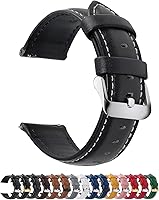
A different band can make the device easier to wear during a reading. The Fullmosa band uses a quick-release design and comes in a 22mm option, but measure your watch lugs before ordering.
The Fullmosa band is made from genuine leather and includes a spring bar tool. Its adjustable eyelets support fit changes, so measure first and avoid using a band that leaves the watch loose.
How do you start an ECG on Fitbit Charge 6?
Open the ECG app on Charge 6 and follow the on-screen instructions. The app guides you through the contact position before the recording begins.
On the tracker, find and open the ECG app. If you don't see it, complete device setup and app updates in Fitbit, then check whether the feature is available for your account and location.
Read the information on the screen before starting. The ECG app records the electrical signals it detects during the session, so the watch must stay in contact with your skin.
For background on the feature, see what ECG on Fitbit means. That explanation can help you understand why the result is a screening classification rather than a complete heart evaluation.
How do you hold your fingers during the recording?
Place 2 fingers from your opposite hand on the stainless steel ring around the screen. Keep both fingers in contact until the 30-second countdown ends.
Rest your arms on a table or your lap. Keep your wrist relaxed, and don't press hard on the ring.
The goal is steady contact, not pressure.
Don't lift your fingers to check the timer. Small movements can interfere with the signal and may produce an inconclusive result.
If the reading won't start, adjust the band so Charge 6 sits flat on your wrist. Dry your fingers, relax your hand, and try again without moving your arm.
How long should you keep contact on Fitbit Charge 6?
Keep your fingers on the contact points for 30 seconds, or until Charge 6 confirms that the recording is complete. Stay quiet and still throughout the countdown.
If the app stops early, wait a moment and repeat the setup. Repeated inconclusive readings can happen for several reasons, including movement, weak contact, or a rhythm the app can't classify.
For a Charge 5 issue, see Fitbit Charge 5 ECG troubleshooting.
Our guide to how to take an ECG reading correctly covers the same preparation habits in more detail.
What does the Fitbit Charge 6 ECG result mean?
The result is a screening classification, not a diagnosis. Fitbit may classify the recording as sinus rhythm, atrial fibrillation, or inconclusive, depending on the signal it detects.
A sinus rhythm result means the recording looked like a regular rhythm during that session. It doesn't rule out every heart problem or explain symptoms that happen at another time.
An atrial fibrillation result means the recording showed a pattern that may be consistent with AFib. Contact a health care professional for advice about what to do next.
An inconclusive result means the app couldn't classify the recording. Try again while sitting still with clean, dry fingers and a secure fit.
Don't keep repeating readings if you feel seriously unwell.
For more context, compare how accurate a Fitbit ECG sensor is and the Fitbit Charge 6 ECG accuracy.
How do you review or share the reading?
Open the Fitbit app after recording to review the saved ECG result and its report options. The app can help you keep the reading available for a conversation with a health care professional.
Sync Charge 6 with the Fitbit app if the result doesn't appear right away. Keep the tracker near your phone and follow the app's connection prompts.
Use the report option when you need to share the result. A report can provide more useful context than trying to describe the on-screen classification from memory.
Don't use a Fitbit ECG report to delay care. Call emergency services for severe chest pressure, fainting, major breathing difficulty, sudden weakness, or other urgent symptoms.
Can a different watch band improve the ECG process?
A secure, comfortable band can help keep Charge 6 in a steady position, but it can't improve the sensor itself. The band should let the tracker sit flat without sliding during the 30-second recording.
The BARTON Elite Silicone Watch Bands use quick-release spring bars and include two lengths of the long side. The bands fit wrists from 5 in to 8 in in circumference, although watch geometry can affect fit.
Measure the lug width before choosing a band. BARTON says the selected width must match the watch lug width exactly for the spring bars to fit correctly.
Choose a replacement band only if your current one slips, feels uncomfortable, or makes it hard to keep Charge 6 flat. A new band won't turn an inconclusive reading into a diagnosis.
What should you do if the ECG result is inconclusive?
Repeat the reading once after checking your position, skin contact, and band fit. Sit quietly, dry your fingers, and keep both arms supported during the next 30-second recording.
Don't treat repeated inconclusive readings as proof that your heart rhythm is normal. Contact a health care professional if the result keeps happening or if you have symptoms.
The Fitbit ECG app also has limits. It may not identify every rhythm, and it doesn't replace a clinical ECG or medical assessment.
For another smartwatch recording workflow, see the Pixel Watch 2 ECG guide.
How do you take an ECG on Fitbit Charge 6 safely?
Taking an ECG on Fitbit Charge 6 means using the ECG app while seated, keeping Charge 6 snug, touching the stainless steel ring with 2 fingers, and staying still for 30 seconds. Review the result in the Fitbit app, but treat it as screening information.
Pick the Fullmosa band if you prefer leather and quick release. Pick the BARTON band if silicone, quick release, and two long-side lengths better suit your routine.
If you get an AFib classification, repeated inconclusive readings, or symptoms that concern you, share the report with a health care professional. Seek urgent care for emergency symptoms regardless of what Charge 6 reports.
Frequently asked questions
Can Fitbit Charge 6 take an ECG?
Yes. Fitbit Charge 6 can record a 30-second ECG using its ECG app when the feature is available in your region and your setup meets Fitbit's requirements.
Sit still, keep the device snug, touch the stainless steel ring with your fingers, and follow the on-screen instructions.
How long does a Fitbit Charge 6 ECG take?
A Fitbit Charge 6 ECG recording takes 30 seconds once the reading begins. Keep your arms still and maintain finger contact during the recording.
Movement, poor contact, or a loose fit can interrupt the process or make the result less clear.
Where can you see a Fitbit Charge 6 ECG result?
The result appears on Charge 6 after the recording, and the Fitbit app can show the saved reading and its classification. You can review the result in the app and create a report to share with a health care professional when appropriate.
Does a Fitbit ECG diagnose a heart condition?
No. A Fitbit ECG is a personal screening tool and doesn't diagnose every heart rhythm or heart condition.
Seek urgent medical help for severe chest pain, fainting, serious breathing trouble, or other emergency symptoms, even if the reading looks normal.