
How to Sleep with a Holter Monitor On?
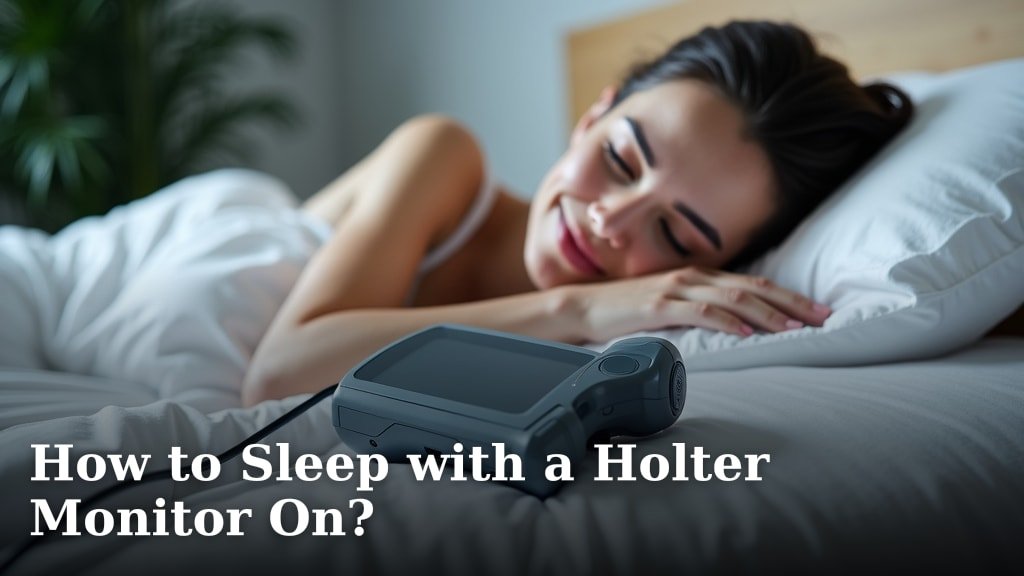
To sleep with a Holter monitor on, you can use a few simple strategies. Adjusting your sleeping position, securing the monitor and wires, and wearing comfortable clothing can greatly improve your rest.
Many people worry about getting a good night’s sleep while wearing medical devices. We understand your concern about staying comfortable. We’ve found that small adjustments make a big difference for a peaceful night.
- Adjust your sleeping position.
- Secure the monitor and wires.
- Wear loose, soft clothing.
- Prepare your sleep environment.
Let’s walk through exactly how to make sleeping with your Holter monitor as comfortable as possible, step by step.
Preparing for a Restful Night with Your Holter Monitor
Getting ready for sleep when wearing a Holter monitor doesn’t have to be a struggle. A little preparation goes a long way. Think of it like preparing for a camping trip – you want to be comfortable and secure. We’ve gathered insights that can help you feel more at ease. Many people find that a few simple steps make all the difference.
Organizing Your Environment Before Bed
Before you even lie down, take a moment to look around your sleep space. Is there anything that could snag a wire? Clearing clutter can prevent accidental pulls. Think about creating a “safe zone” for your monitor. This helps protect it and keeps you from getting tangled.
Choosing a Bedside Table Spot
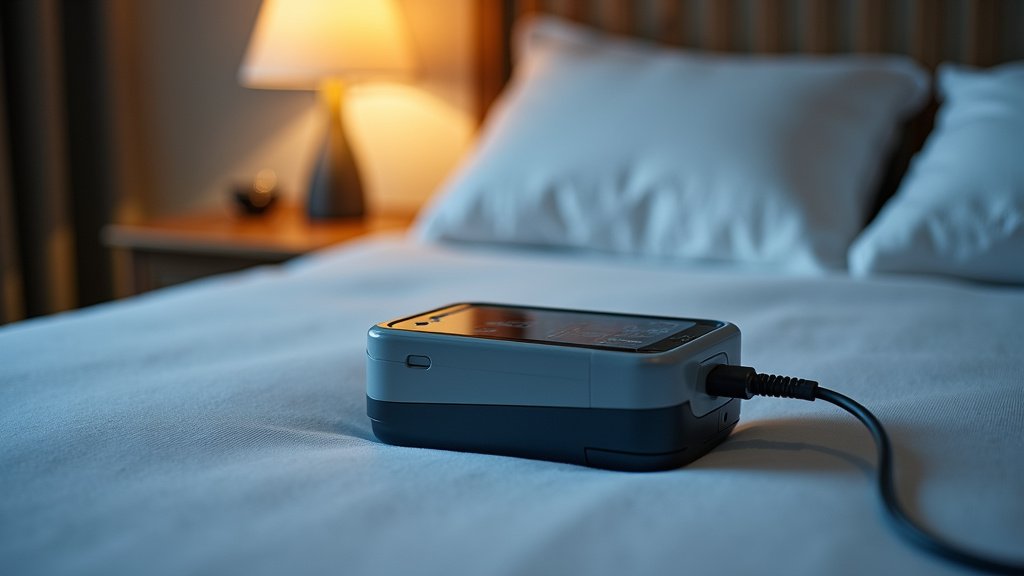
We found that placing the Holter monitor on a bedside table is ideal. It keeps the device close but not on your bed. This reduces the chance of rolling over onto it. Ensure the surface is stable so it won’t fall off during the night. A nightstand is perfectly suited for this. You want it within easy reach but out of harm’s way.
Clearing Potential Snags
Look for loose items around your bed. Chargers, books, or even bed skirts can become tangled with wires. A clear path around your bed helps ensure an undisturbed night. Removing these potential hazards is a simple yet effective strategy. It gives you one less thing to worry about.
Adjusting Your Sleep Position for Comfort
Your usual sleeping position might need a slight tweak. This is often the biggest adjustment for people wearing a Holter monitor. Our research shows that many individuals find relief by changing how they lie down. The goal is to keep the electrodes and wires as undisturbed as possible. This minimizes false readings and keeps you comfortable. You want to avoid putting pressure on the electrodes.
Sleeping on Your Back
Many experts recommend sleeping on your back when wearing a Holter monitor. This position often puts the least amount of pressure on the chest. It keeps the electrodes from getting squished or dislodged. If you’re not usually a back sleeper, try using pillows for support. A pillow under your knees can help make this position more comfortable. This can also prevent lower back strain. Some people even use a body pillow to help them stay on their back.
Sleeping on Your Side (with caution)
If you absolutely cannot sleep on your back, side sleeping is an option. However, it requires more care. Try to sleep on the side where fewer electrodes are placed. This isn’t always possible, but it’s worth checking. Be mindful of the wires. You don’t want to roll directly onto them or the monitor. You might want to use an extra pillow to support your arm. This can create space between your body and the wires. Some people find success by hugging a pillow. This helps keep the arms from pressing into the chest area.
Avoiding Stomach Sleeping
Most guidance suggests avoiding sleeping on your stomach. This position often puts direct pressure on the chest. It can dislodge electrodes or cause discomfort. It also makes it easier to accidentally pull wires. If you typically sleep on your stomach, try one of the other positions. Your doctor or the monitoring technician can offer personalized advice here. They might have specific suggestions based on where your electrodes are placed.
Securing Your Holter Monitor and Wires
Keeping the monitor and its wires secure is essential. You don’t want them getting pulled or tangled. This helps ensure accurate readings. It also makes your night more comfortable. We’ve compiled some practical tips that many people find useful. Think of it as a safety plan for your device.
Taping Wires for Extra Stability
Sometimes, the sticky pads for the electrodes aren’t enough. We found that a little extra tape can make a big difference. Use medical tape that’s gentle on your skin. You can secure any loose wires to your skin. Place small pieces of tape along the path of the wires. This helps keep them from catching on bedding
Conclusion
Sleeping with a Holter monitor might seem challenging at first. But by making a few simple adjustments, you can still get restful sleep. Remember to prepare your sleep area, secure your monitor, and choose the best sleeping position for you. We’ve found these steps significantly improve comfort.
Your comfort is important for accurate readings and your well-being. Don’t hesitate to communicate any ongoing discomfort to your healthcare provider. They can offer additional personalized tips or adjust your setup. You deserve to sleep soundly, even with a monitor.
Frequently Asked Questions
Can I take a shower with a Holter monitor on?
Generally, no, you cannot shower or get your Holter monitor wet. The device is not waterproof. Your technician should provide specific instructions on bathing while wearing the monitor. You will likely need to sponge bathe or wait until the monitoring period is over.
What if an electrode falls off during the night?
If an electrode detaches, try to reattach it gently if you have been shown how. If you’re unsure or can’t get it to stick, contact the clinic or your doctor’s office immediately. They will advise you on the next steps to ensure accurate data collection.
Will the Holter monitor alarm or make noise?
Most Holter monitors are designed to be silent. They typically do not have alarms or make noticeable noises. If you hear unexpected beeping or sounds, it’s best to check the monitor or contact your healthcare provider. This could indicate a malfunction.
Can I exercise or do strenuous activity with it on?
You should follow your doctor’s specific instructions regarding activity levels. Often, you are encouraged to maintain your normal daily routine, which can include light exercise. However, avoid activities that cause excessive sweating or might dislodge the monitor or electrodes. Always clarify with your healthcare team.
How can I reduce skin irritation from the electrodes?
If you experience skin irritation, try to avoid scratching the area. You can apply a small amount of non-irritating lotion after the monitor is removed. For ongoing discomfort while wearing it, notify your technician or doctor. They might suggest different types of electrodes or protective barriers.